

Call campaign software for high-volume outreach
Run agent-led and automated calling campaigns from HoduCC, the omnichannel contact center platform, and let AI show your team who to call back first.
See HoduCC call campaigns in action
A walkthrough with an outbound specialist, mapped to your contact lists, dialing modes, calling windows and deployment model.
Trusted by organizations on six continents


Awards and recognition
 Capterra Shortlist 2026
  Software Advice Front Runners 2026
  GetApp Category Leaders 2025
  Software Suggest
  Globee Awards 2023 Gold Winner – Information Technology
  Unified Communications Product of the Year 2023
  Internet Telephony Excellence Award 2023
  NXTGEN BPO Confex and Awards 2023
  CIO Insider – Top 10 UC Providers 2023
  Digital.com Best Telemarketing Software
  Indian Achievers Award 2021
  Customer Contact Center Technology Award 2021
  UBS Forums
 How it works
How call campaign software works in HoduCC
Load a list, choose how each campaign should dial, and HoduCC either connects agents to live answers or delivers the right message to everyone who picks up.
Every campaign in HoduCC starts with a list and a dialing mode. Agent-led campaigns run on auto, power, predictive, progressive or preview dialing, with the contact’s record, script and history on screen the moment a call connects. Automated campaigns use the Voice broadcast / Promotional dialer to deliver a recording, an IVR menu or a text-to-speech script, and pass anyone who presses 1 to an available agent. The outbound call campaign software in HoduCC paces dialing against your agents, lines and carrier limits, and DND, consent and registered-template checks run before a single number is dialed. Sales follow-ups, collections, admission calls, payment reminders, surveys and awareness drives all run from the same console.
Key highlights
- Upload and segment contact lists in minutes
- Choose agent-led or automated dialing for each campaign
- Put scripts, contact history and dispositions in front of agents
- Deliver recordings, IVR menus or text-to-speech at scale
- Monitor connects, outcomes and callbacks in real time
- AI flags high-value callbacks for your agents
Calling windows follow each contact’s local time zone, so nobody is called outside permitted hours.
The business case
Scale your call campaigns without scaling agent workload
Call campaigns in HoduCC give contact centers more conversations per agent hour, wider reach for automated messages and results they can measure, without adding seats to the outbound team.
- More conversations per agent hourDialers take manual dialing and waiting out of the shift, so agents move from one live conversation to the next.
- Reach more contacts with less effortAutomated campaigns deliver one approved message to large lists, so agents spend their time on the calls that need them.
- The right context on every callScripts, contact history and campaign details appear the moment a call connects, for agent-led and transferred calls alike.
- Launch campaigns fasterUpload contacts, choose the dialing mode, set the schedule and start reaching customers.
- No abandoned calls on automated and agent-paced campaignsOn automated, progressive and preview campaigns, every answered call reaches a message or a ready agent. Press-1 requests that arrive while every agent is busy are booked as callbacks.
- Track engagement as it happensConnects, outcomes, IVR inputs, transfers and callbacks in one live view.
- Turn responses into next stepsDispositions, IVR inputs and AI insights identify interested contacts and tell your team who to call next.
Inside HoduCC
The command center for every call campaign
Lists, messages, live transfers, compliance rules and reporting sit in one workspace. No scattered tools, and no follow-up that depends on a spreadsheet.
Every call campaign, one console
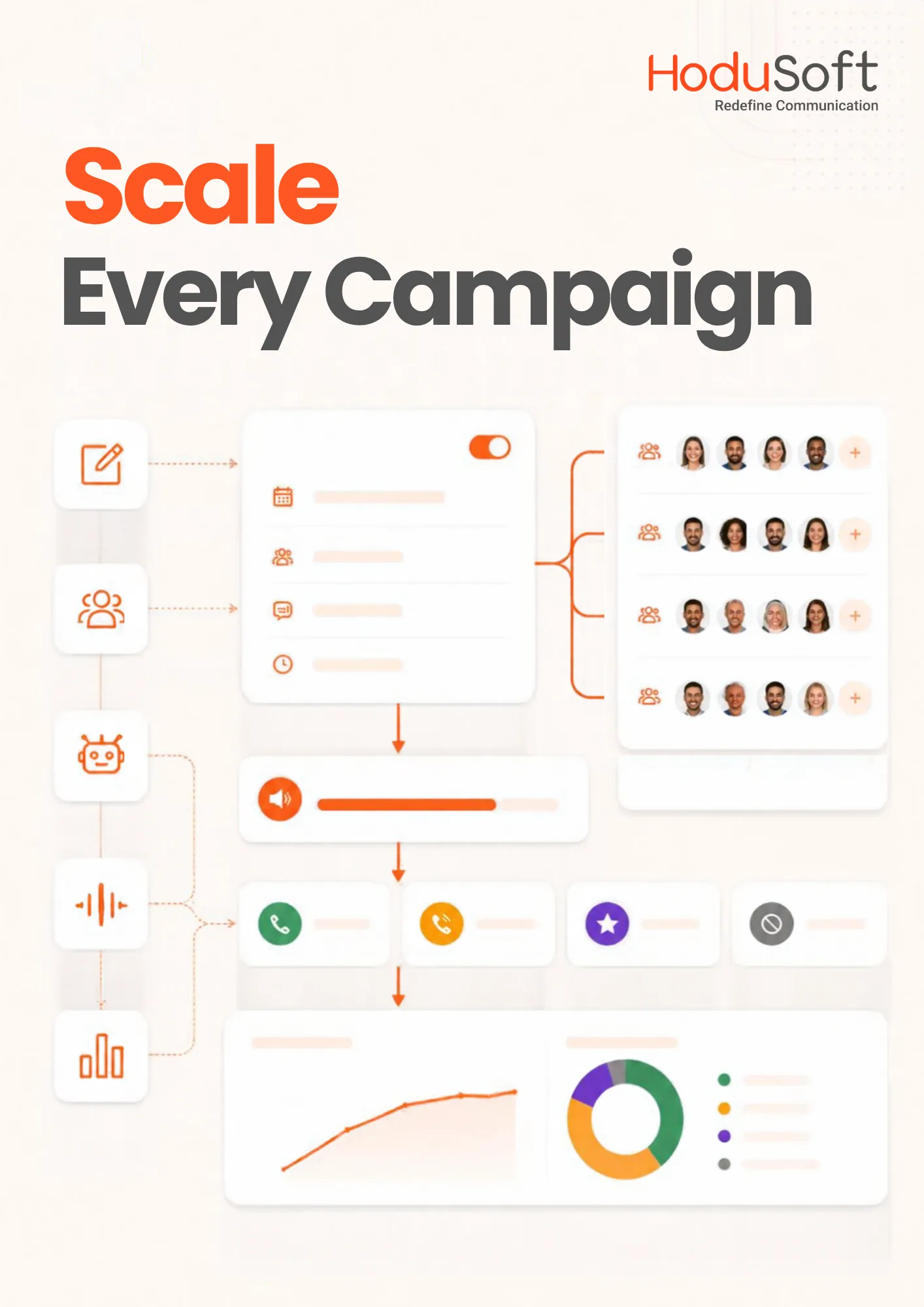
Dialing modes, messages, caller IDs, calling windows, retry rules and reports are configured per campaign from a single administration console.
Walk through it with usRun agent-led and automated campaigns side by side, each with its own pacing
Upload a list, choose the dialing mode, then set the caller ID, calling window and retry rules. Agent-led campaigns pace to the agents who are available, while automated campaigns deliver a recording, a text-to-speech script or an IVR menu. Every campaign keeps its own audience, timing and reporting.
- Dialing mode, priority and calling rules set for each campaign.
- Pause, resume or edit a live campaign without rebuilding it.
- Real-time pacing matched to available agents, lines and carrier limits.
- Local caller ID selected by each contact’s time zone and area code.
My queues
Conversation · continued from WhatsApp
Customer
Whether the agent dialed or the contact pressed 1, the full picture arrives with the call
Agent-led calls and press-1 transfers land in the same workspace. The agent sees who is on the line, which campaign the call belongs to, the contact’s history and what to say next, while the campaign keeps running for everyone else.
- Campaign scripts matched to the call’s campaign and stage.
- In-Built CRM and contact history without switching applications.
- Dispositions and callback scheduling recorded before the next call.
- WebRTC calling in the browser so remote agents install nothing.
| Queue | Waiting | Longest wait | Occupancy | Status |
|---|---|---|---|---|
| Billing · English | 6 | 0:47 | Within target | |
| Collections outbound | – | – | Pacing high | |
| Technical · Tier 2 | 14 | 3:12 | SLA at risk | |
| WhatsApp support | 3 | 0:21 | Within target |
Rules configured once and enforced on every call
DND lists, consent records, calling windows and registered message templates are set at campaign level and applied before a number is dialed. Supervisors see what was blocked and why, which is exactly what an auditor asks for.
- DND and DNC management against internal and external suppression lists.
- Consent and opt-out capture recorded by keypress or spoken response.
- Time zone rules that keep campaigns inside local calling hours.
- Role-based access so agents see their own activity and nothing more.
| Campaign | Mode | Records | Connect rate | State |
|---|---|---|---|---|
| Renewals · Q3 | Predictive | 42,180 | Running | |
| Collections · 30-day | Progressive | 8,940 | Running | |
| Enterprise outreach | Preview | 1,260 | Running | |
| Service reminders | Auto | 26,500 | Scheduled |
See what every campaign is doing while it is still running
Connect rate, agent talk time, IVR engagement, press-1 transfers and queue status update live. A supervisor can slow a campaign or add agents in the same shift, instead of reading about it the next morning.
- Live campaign dashboards for connects, outcomes, transfers and complaints.
- Disposition reporting on outcomes, IVR responses and callbacks.
- Call and survey recording for quality monitoring and dispute resolution.
- Role-based visibility with full dashboards for supervisors and admins.
| Tenant | Seats | Deployment | Channels | Access |
|---|---|---|---|---|
| Client A · Financial services | 420 | On-premise | Voice, email, chat | SSO · Microsoft |
| Client B · E-commerce | 180 | Cloud | All channels | SSO · Google |
| Client C · Telecom | 960 | Hybrid | Voice, WhatsApp, SMS | SSO · Microsoft |
| Internal support | 75 | Cloud | Voice, email | Role-based |
Core capabilities
Call campaign software capabilities inside HoduCC
Everything you need to launch, automate and measure high-volume outreach, managed from one platform.
Pre-Recorded Voice Messages
Record once and deliver the same announcement on every call, for offers, renewals, alerts, reminders and customer updates.
Text-to-Speech Campaigns
Turn written copy into a voice campaign in the languages your customers speak, and change the message without re-recording every version.
Interactive IVR
Let recipients respond with a keypress to confirm interest, request a callback or move into the next workflow.
Agent Scripts & Dispositions
Campaign-specific scripts guide every conversation, and dispositions capture each outcome before the next call is placed.
Campaign Scheduling
Plan outreach around dates, time zones and customer availability, and decide in advance exactly when calling starts and stops.
Multi-Campaign Management
Run several campaigns with separate audiences, dialing modes, messages, schedules and reports from one workspace.
Automatic Retries & Callbacks
Unanswered and busy numbers get configurable retries, and callbacks promised by agents or requested by keypress are scheduled automatically.
Caller ID & Time Zone Controls
Present a local caller ID and keep every region’s calls inside its own calling window.
DNC & Compliance Controls
Honor Do Not Call lists, campaign rules and dialing restrictions before any number is dialed.
Role-Based Campaign Access
Give each team and supervisor the campaign controls that match their responsibilities, and nothing beyond them.
Real-Time Tracking
Follow connects, outcomes and answered, busy, failed and completed calls from a central reporting view while each campaign runs.
Omnichannel Follow-Up
Continue the conversation over SMS, WhatsApp, email or a live agent when the campaign calls for it.
Use cases
One contact center platform, many ways to reach customers
Choose the audience, configure the message, set the schedule and see what happens next. The same outbound call campaign software in HoduCC serves sales, collections, service, admissions and public outreach teams.
Create interest, then convert it.
Give reps a steady flow of live calls for lead lists and follow-ups, and send automated announcements for offers and launches, with press 1 for anyone ready to buy.
Stay useful without the manual chase.
Agent-led calls for accounts that need a conversation, and automated reminders for payments, renewals, subscriptions and appointments.
Important information, delivered on time.
Share service notices, maintenance windows, delivery alerts and account updates while they still matter.
Turn every call into a response.
Invite customers into a short IVR survey, capture keypad answers and flag the contacts who need a follow-up.
Outreach built for higher ed.
Universities, colleges and community colleges give counselors a steady flow of live calls with applicants, and send automated deadline and enrollment reminders to everyone else.
Reach every constituent on time.
Public agencies, NGOs and political campaign teams run awareness drives, event invitations and community updates within the consent and calling-hour rules of each market.
AI in the campaign
AI that tells your team who to call back first
A campaign that reaches thousands of people produces more responses than any team can read. HoduCC AI sorts them, summarizes the conversations that follow and points agents to the callbacks most worth their time.
AI Analytics
Summarization, tagging and labelling on every campaign call and response, so interest, objections and complaints are easy to find, count and act on.
AI Conversation Summaries
Campaign calls are summarized as soon as they end, giving the next agent the full story in a few lines.
AI Scoring
Conversations are scored against your criteria, and high-value callbacks move to the top of the queue.
Sentiment Analysis
Tone from every live campaign call is captured, so supervisors can see how a pitch or message is landing across the list.
Agent Assist
Guidance and objection handling during live campaign calls, grounded in the campaign and the contact’s history.
See AI on your own campaign data
We will run categorization, summaries and scoring against a sample of your campaign responses in a personalized demo.
Integrations
Connect HoduCC call campaigns with the systems you already use
Campaign lists start in your CRM, and responses belong back there. HoduCC syncs contacts, dispositions and callbacks with the CRMs and helpdesks your teams already run. Teams that prefer a single system can work from the In-Built CRM and ticketing.
CRM
Campaign lists pulled in, dispositions and callbacks written back.
Single sign-on (SSO)
Agents and supervisors sign in with the credentials your organization already manages.
Telephony
Existing trunks and carriers, with dialing paced to your capacity.
Messaging and follow-up
Triggered by an IVR response or sent by the agent during or after a call.
Business applications
Admissions, billing and order systems specific to your operation.
APIs
Push contact lists into campaigns and pull outcomes back out.
Working with an admissions CRM such as Slate, Ellucian or Radius, or another platform of your own? Custom integration is a routine part of an enterprise engagement.
Compliance
Built for compliance-conscious call campaigns
Outbound calling, and automated voice outreach in particular, carries real regulatory weight. The controls that govern it, covering consent, suppression, calling hours, templates, recording and access, are set centrally and applied before each number is dialed.
These controls support your compliance program. They do not replace it, and they are not legal advice. Responsibility for consent, DNC and regional telemarketing obligations rests on how each campaign is configured and run.
Talk To Our Compliance ExpertCustomer proof
Built for teams that take customer outreach seriously
In their own words: leaders who run customer communications on HoduSoft platforms.
We've worked with HoduSoft since 2017 and it has been an incredible journey. The support team always prioritizes our needs.
We are very satisfied with the cost-efficient application and the solutions we were able to develop on it.
Two years in, it has been a fruitful relationship. The products and the innovative solutions have been excellent.
Implementation
A call campaign setup built around your outreach
Rolling out call campaigns on HoduCC follows a structured plan shaped by your lists, dialing modes, telephony and customer systems, backed by a 100+ partner network, offices in India, the United States and Canada, and 24/7 technical and onboarding support.
Assess
Review contact sources, campaign types, calling regions and regulatory requirements to shape the first campaigns.
Configure
Set dialing modes, scripts, messages, IVR menus, caller IDs, calling windows and retry rules for each campaign.
Integrate
Connect the CRM, SIP trunks and messaging channels that feed each campaign and follow it up.
Test
Validate dialing pace, message playback, keypress routing, suppression checks and agent handoffs on a pilot list.
Launch
Go live campaign by campaign on cloud, on-premises or hybrid infrastructure.
Optimize
Refine dialing modes, scripts, timing and retry rules using connect, outcome and transfer data.
Evaluation
Everything you need to know about call campaign software
Call campaign software plans, runs and measures outbound calling campaigns. It dials contact lists automatically and either connects answered calls to live agents, using predictive, progressive or preview dialing, or delivers an automated message such as a recording, IVR prompt or text-to-speech announcement. Teams use it for sales, collections, admissions, reminders, surveys and notifications.
Voice broadcasting software sends one-way automated messages, sometimes with a simple press-1 option, and does not need a live agent on each call. Call campaign software is broader: it manages complete outbound campaigns, including agent-led calling through auto, power, predictive, progressive and preview dialers, and automated voice campaigns run through the Voice broadcast / Promotional dialer. In HoduCC, voice broadcasting runs as one campaign type inside the call campaign software, alongside agent-led dialing.
You import a contact list, choose the dialing mode and set the schedule. For agent-led campaigns, HoduCC dials the list and connects answered calls to available agents with the script and contact history on screen. For automated campaigns, it plays the recording, IVR menu or text-to-speech message, captures responses and routes interested recipients to an agent. Progress is reported in real time.
No. Call campaign software is one capability of HoduCC, the omnichannel contact center software. It shares the platform with inbound routing, IVR, the In-Built CRM and messaging channels, so a campaign call can move straight into a ticket, a WhatsApp follow-up or an inbound queue.
Dialers remove manual dialing and the wait between calls, so agents move from one conversation to the next with the script and contact record already on screen. Automated campaigns go further, delivering routine messages without an agent and passing on only the recipients who press 1 or ask for a callback.
Sales and lead follow-ups, collections and payment reminders, renewals, appointment reminders, marketing offers, surveys, event invitations, admission and enrollment outreach, service alerts and public awareness campaigns.
Yes. Upload and segment your own contact lists, choose the dialing mode, write campaign scripts, pick a voice file, IVR menu or text-to-speech message, and personalize content with fields from your lead data.
HoduCC is built to handle thousands of outbound calls per day, with pacing that adjusts automatically to your agents, lines and carrier limits. Capacity for your own campaigns is sized with you during the assessment.
Automated, progressive and preview campaigns have no abandoned calls. Every answered call reaches a message or an agent who is ready, and press-1 requests that arrive while every agent is busy are booked as callbacks. Predictive dialing places calls ahead of agent availability by design, so its abandonment is held within the limits you set for each campaign.
Outbound call campaigns are legal when they follow the consent, opt-out and Do Not Call rules of each market you call. HoduCC applies DND lists, consent records, calling windows and registered templates at campaign level, before any number is dialed. Confirm the requirements for each market with your compliance or legal team.
Yes. Universities, colleges and community colleges give admissions counselors a steady flow of live calls with applicants, and send automated reminders for application deadlines, enrollment steps, fees and events. Contact lists can come from your CRM or student information system through APIs.
Yes. Campaign teams use it for supporter calls, voter information, event invitations and surveys, run within the consent and calling-hour rules that apply to political outreach in each market. Press-1 transfers and recorded responses let staff or volunteers follow up with interested constituents.
Yes. HoduCC AI provides AI analytics, interaction categorization, conversation summaries, AI scoring and sentiment analysis, so teams understand how each campaign is performing and know which callbacks to prioritize.
Yes. HoduCC integrates with Salesforce, Zoho, Microsoft Dynamics 365, HubSpot, Pipedrive, Bitrix24, Zendesk and Freshdesk to sync contacts, dispositions and callbacks. Teams that prefer a single system can use the HoduCC In-Built CRM, and other platforms can be connected through APIs and custom integration.
Yes. Launch a campaign immediately or schedule it around business hours, customer time zones or a predefined campaign calendar.
Yes. Supervisors track connect rate, agent talk time, IVR engagement, press-1 transfers, queue depth and campaign completion on a live dashboard, and can slow a campaign or add agents within the same shift.
On cloud, on-premises or hybrid infrastructure, in single-tenant or multi-tenant configurations. BPOs and multi-brand operations can run client-specific campaigns, users, permissions and reporting on one platform.
Reach your entire list without growing your calling team
Bring a contact list and a campaign you care about. We will show you how it runs in HoduCC: how agents are paced and supported on live calls, what recipients hear in automated campaigns, and what supervisors have in hand before the shift ends.